[Video Series] Real Engineering Starts Here: From CAD Skills to Classroom Design
August 17, 2026

If you've spent any time teaching 3D printing to students in a classroom, you know the moment.
Kids pick up the basics fast. They get comfortable clicking around in a CAD program. They start busting out their own designs. Then... they hit a wall. They get stuck. They need some more inspiration.
Getting comfortable with the software is one thing—getting from there to actually engineering something functional is a whole different story. That's the goal of this series - keeping students engaged and giving them new ideas to ponder.
MakerBot teamed up with educator Brian Bobbitt to create a video series that pushes students beyond "I made a shape" to "I made a part that works." It's built around Fusion (yep, the software formerly known as Fusion 360), but the real focus isn't button-clicking—it's getting students to see how design choices, material properties, and the print itself all tie together.
Brian is definitely the right person for this task. As a longtime Project Lead The Way educator, he's spent his career getting students to think like designers, not just operate software. Every lesson he teaches comes back to one question: how does this decision affect what comes out of the printer?
In this series, students will dig into:
- Designing parts that move, not just parts that sit there
- Why tolerances and clearances actually matter
- Printing with flexible filaments like TPU
- Building things meant to function, not just look good on a shelf
Each video builds on the last, so by the end, students aren't just modeling—they're designing like engineers.
Check out the series below!
Video 1: CAD to Spin: A 3D-Printed Gyroscope
This first video of this series from Brian uses a gyroscope to introduce one of the most important ideas in design: movement.
It’s a fairly simple project for students, but it opens up the door to understanding how clearances and constraints affect whether something actually works once it’s printed.
What students will learn:
- How to create and constrain sketches in Fusion 360
- How to use the revolve tool to build functional geometry
- What tolerances and clearances are—and why they matter
- How to design parts that move instead of fusing together
- How to take a model from CAD into a slicer for printing
- Understanding materials through real-world application
Video 2: Designing with TPU: A Flexible Bicycle Handle
The second video in this series shifts into materials, specifically TPU. Introducing materials beyond PLA helps students start thinking about function, not just the final form of their designs. This opens the door to projects like grips, wearables, and other real-world applications that could be used to help others or make items more usable.
What students will learn:
- How TPU behaves compared to rigid materials like PLA
- When and why to use flexible materials in a design
- How to create a revolved part for a real-world application
- How to convert images into SVGs for use in CAD
- How to wrap and emboss patterns onto curved surfaces
- How to prepare and orient flexible parts for printing
Video 3: Designing & 3D Printing a Dual-Material Phone Case with TPU and PLA (Part 1)
This project introduces students to designing for multi-material printing by combining rigid and flexible materials in a single model.
What students will learn:
- How to design a phone case specifically for dual-material 3D printing
- When to use rigid materials like PLA versus flexible materials like TPU
- How clearances and tolerances affect the fit and function of a finished part
- Design strategies that help multiple materials bond together successfully
- How to prepare a CAD model for multi-material printing
Video 4: Designing & 3D Printing a Dual-Material Phone Case with TPU and PLA (Part 2)
The fourth video in this series shifts from student design to manufacturing, showing students how to prepare a multi-material model for printing in Cura.
What students will learn:
- How to import and position a dual-material model in Cura
- How to assign PLA and TPU to the correct parts of a design
- How Cura's interlocking feature helps different materials bond together
- Tips for improving adhesion between flexible and rigid materials
- Slicer settings that help prevent print failures
The Tools Behind the Series
To bring these designs to life, Brian relies on the UltiMaker S6 paired with UltiMaker Cura throughout the series.
One of the biggest advantages of the S6 is dual extrusion—the ability to print with two materials at once. That opens up a lot of doors for students. Instead of sticking to a single material like PLA, they can combine materials to create parts that are rigid in some areas and flexible in others, or use dissolvable/breakaway supports that pop off cleanly once the print is done.
That capability becomes more important the further you get into the series. Projects like the flexible handle, along with the dual-material designs coming up, depend on assigning different materials to different parts of the same model. It's a small-scale version of how real products get designed and manufactured.
On the software side, Cura is what ties it all together. It lets students manage material assignments and dial in print settings for more complex builds, without turning the process into something too technical for the classroom.
About Brian Bobbitt
Brian Bobbitt is a Project Lead The Way Master Teacher who teaches engineering and design at the secondary level.
His work focuses on helping students move beyond basic modeling into real-world problem-solving, connecting CAD, materials, and manufacturing in ways that make sense in the classroom.
In addition to teaching, Brian develops curriculum and shares classroom-ready projects that help educators bring more advanced 3D design into their programs.
Learn More About 3D Printing in the Classroom
Are you interested in learning more about 3D printing in the classroom or are you curious which 3D printer would be best for your classroom needs? Please feel free to reach out to us at info@3duniverse.org for more information!
Written By Jen Owen

Related Articles

Desert WAVE’s All-Women’s Robotics Team's Autonomous Underwater Robots
May 07, 2026
Desert WAVE, is an all-women’s robotics team that was founded by Si Se Puede Foundation... More

2026’s Best Educational Resources for Students, Teachers, and Lifelong Learners
Feb 27, 2026
3D printing is transforming the way students learn—turning abstract concepts into hands-on, interactive experiences. From... More
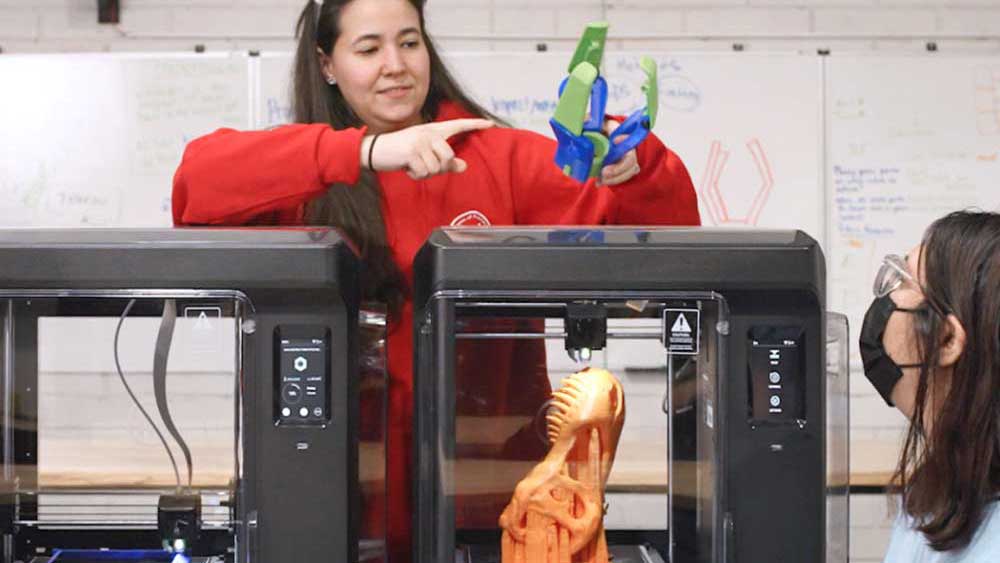
2025 Educational Resources: Learn by Layers Curriculum and Lesson Packs
Aug 13, 2025
Learn By Layers has been creating valuable educational lesson plans since 2017 which has helped... More
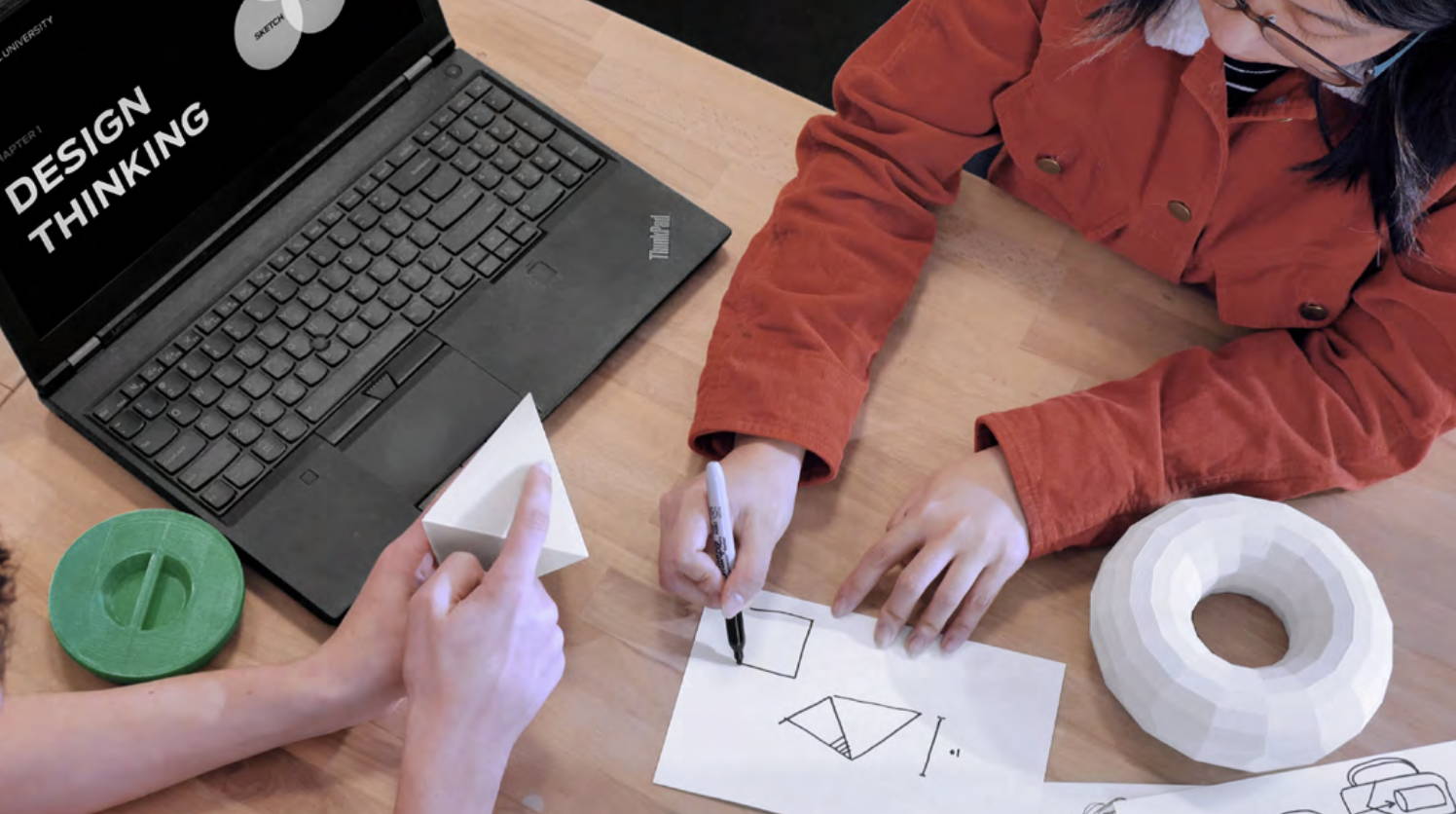
A Design Thinking Guide For 3D Printing
Mar 24, 2025
In the rapidly evolving modern world, the importance of problem-solving skills cannot be overstated. The... More
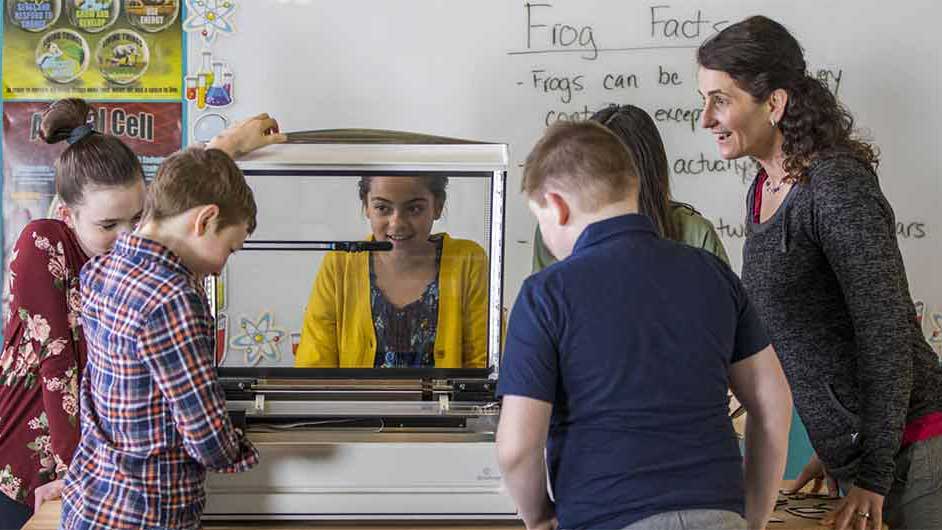
2025 FREE Educational Resources and more!
Jan 27, 2025
We are excited to share some fantastic educational resources to help you get your students... More
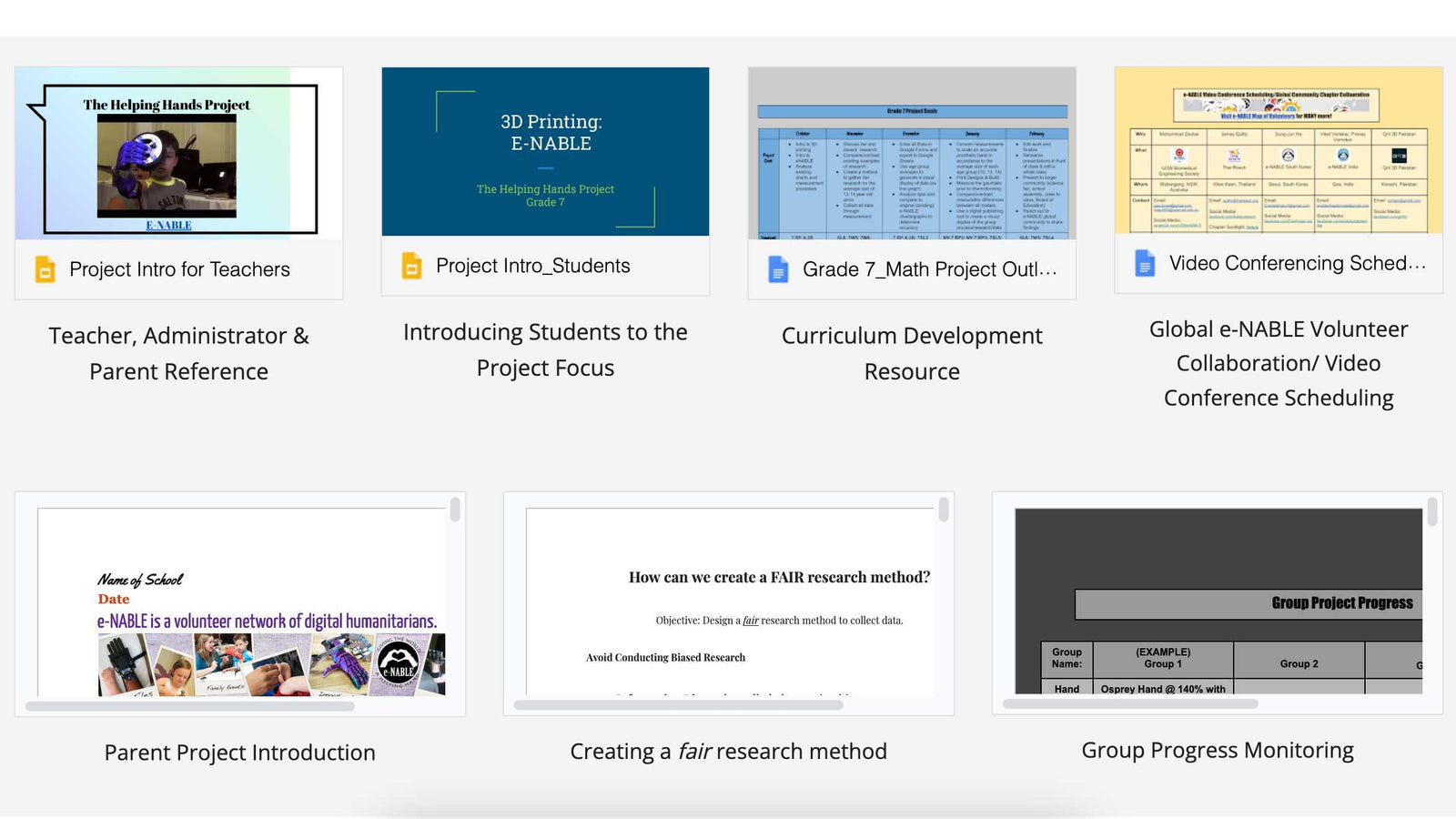
FREE Curriculum: Using Emotional Investment and Empathy as a Way to Engage Students
Aug 20, 2024
For the past 10+ years, we have been a part of the continuously growing open... More
Search All Articles
Latest Posts From Digital Fabrication in Education
All Blog Categories
-
3D Universe Untethered Video Podcast Series
-
Digital Fabrication in Education
-
Digital Fabrication Projects
-
Digital Fabrication Tutorials, Tips, and Tricks
-
Slicing Software
-
3D Printing Materials
-
Case Studies
-
Digital Fabrication Products
-
3D Forming (Vacuum Forming & Pressure Forming)
-
Laser Cutters
-
Digital Fabrication in the Workplace
-
3D Printed Prosthetics and Assistive Technology
-
3D Modeling (CAD)
-
Digital Fabrication in the News


